A document comes in on WhatsApp later
Add it on his Documents tab. The missing list on his profile shows what is still to come.
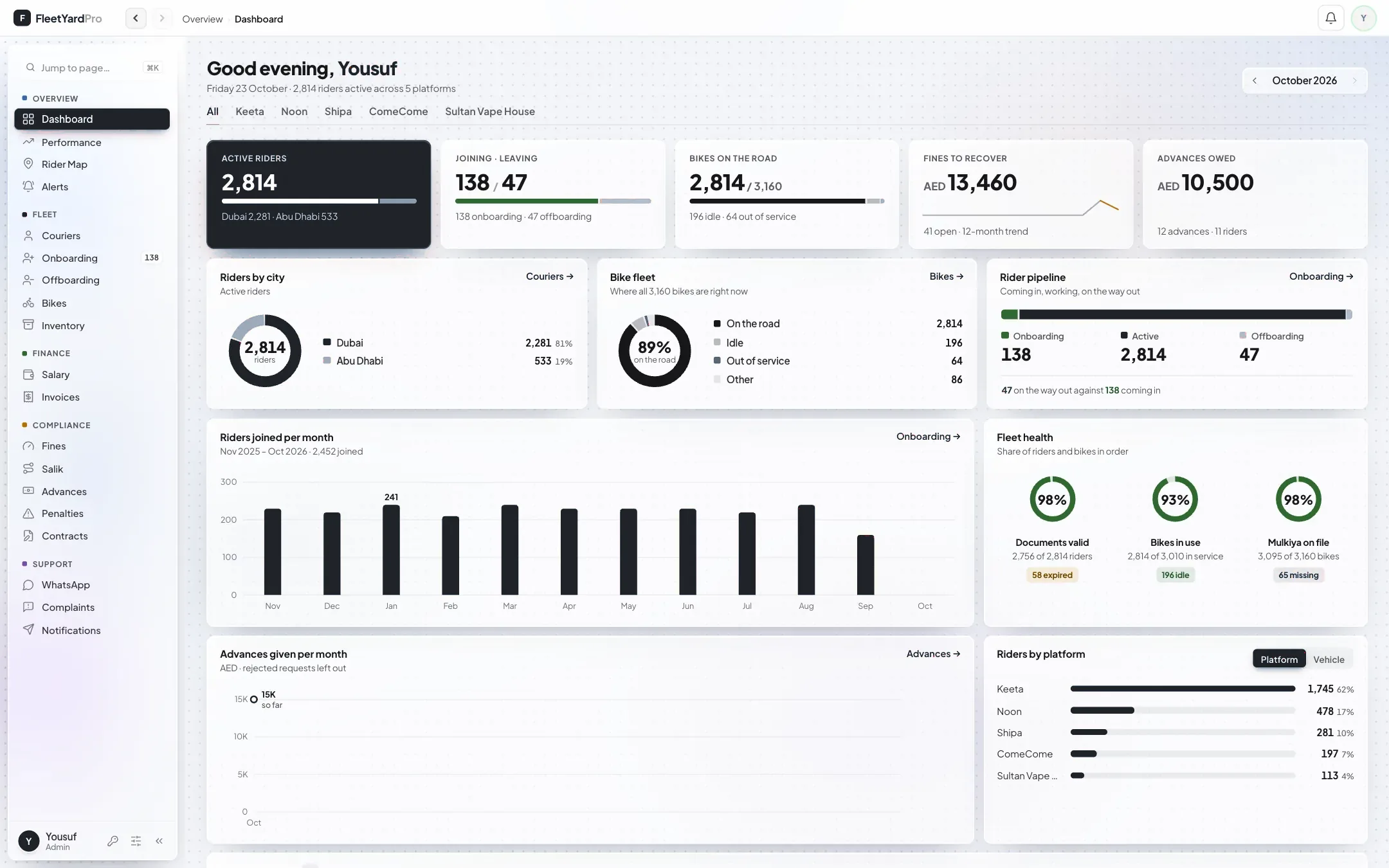
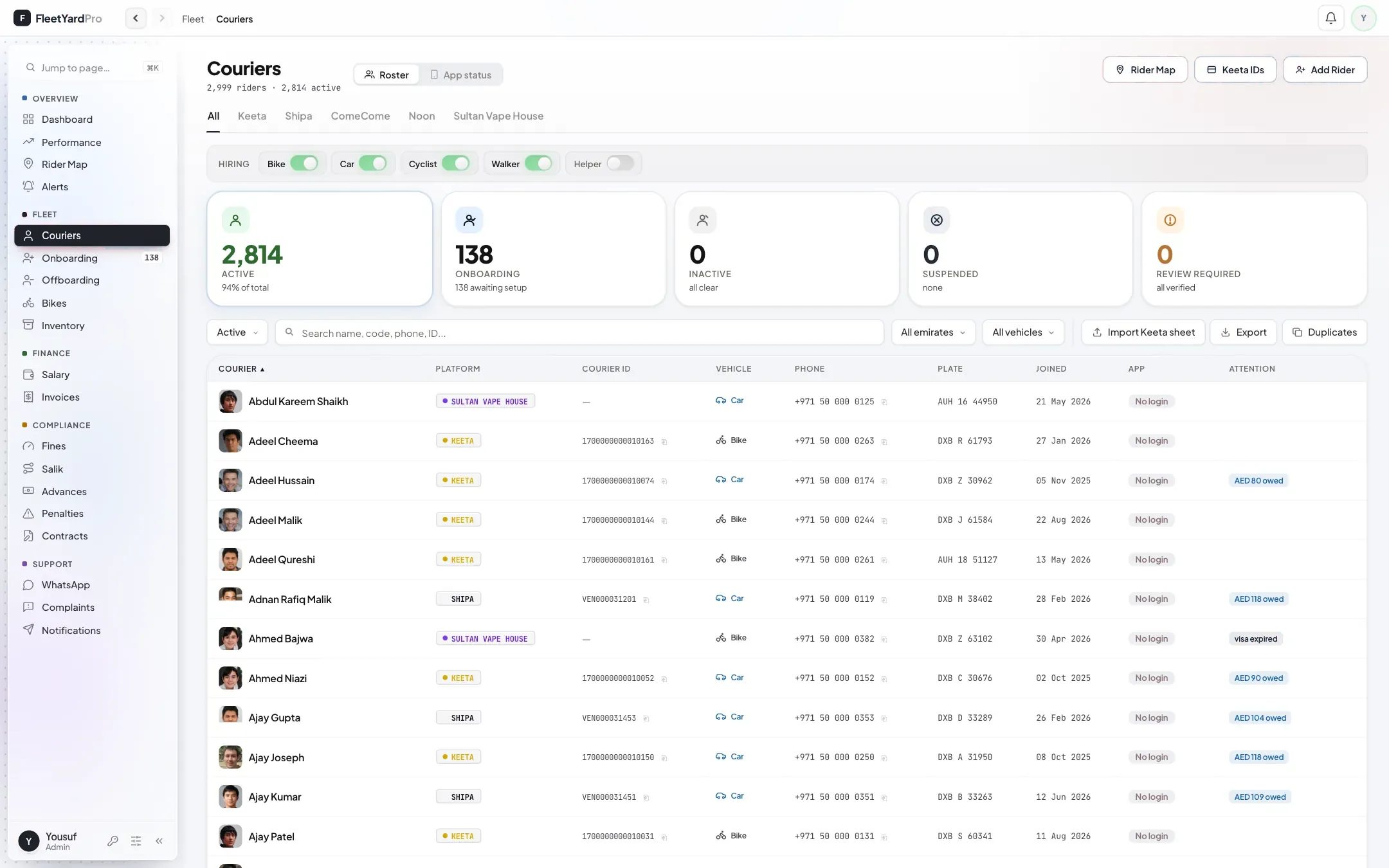
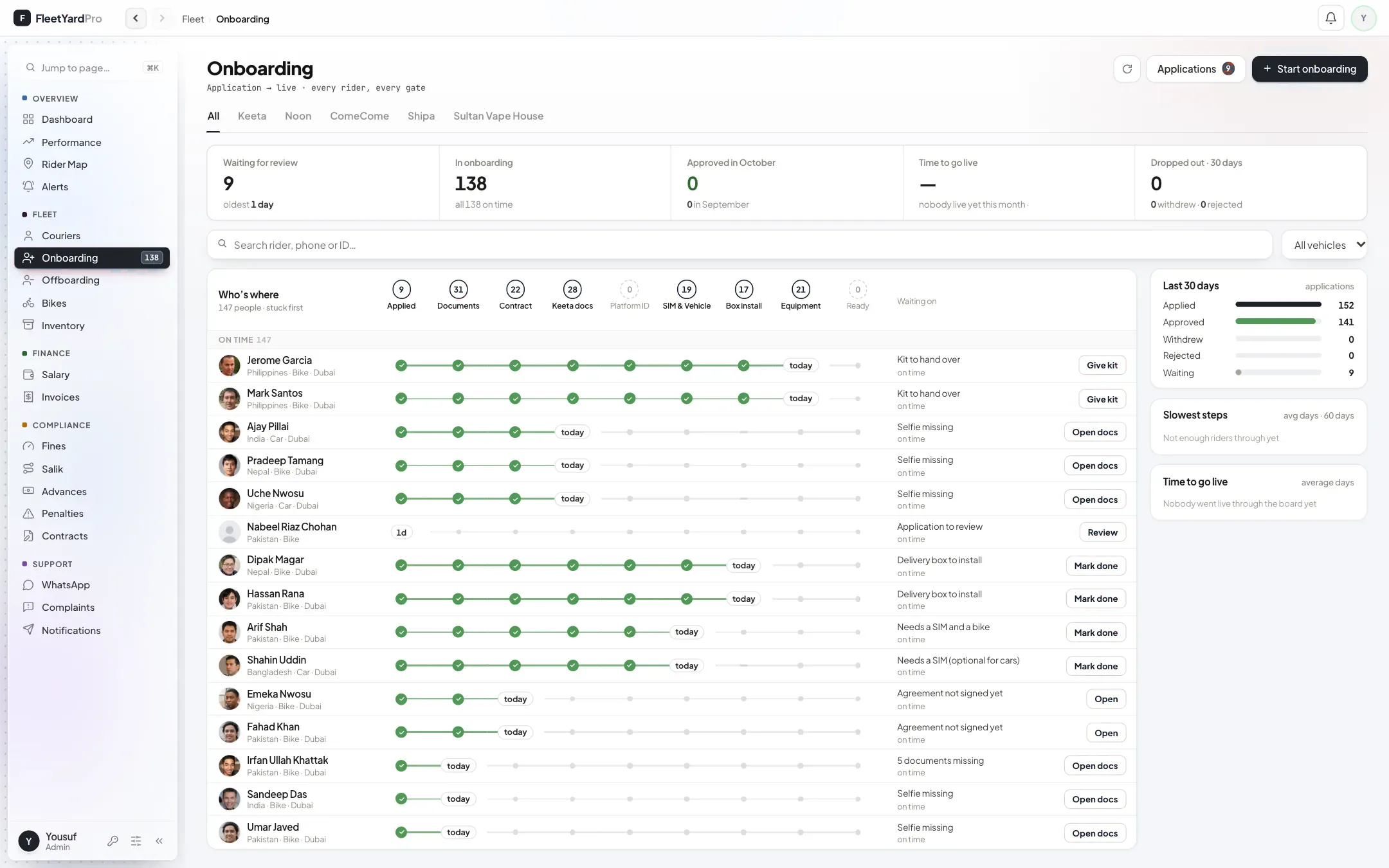
Riders apply from their phone with their documents. Your office sees every new rider on one board: which step he is on, what he is waiting for, and the next step on a button.
From his application to his first shift.
In the rider app, with a selfie, his passport, his Emirates ID and, for bikes and cars, his driving licence.
Approve or reject. If a document is missing, the portal warns you and lists it. You can still approve, and the list stays on his profile until it arrives.
He reads and accepts his rider agreement in the app. The signed copy is saved with his documents, and he can open it as a PDF any time.
Documents, contract, platform ID, SIM and vehicle, a delivery box for motorbikes, then his kit. The platform ID step moves on by itself once his ID is added.
Each step has a time target. Riders at the end of it come first, with what they are waiting for and the next step on a button.
Where new riders usually get stuck, and what the portal does instead.
Add it on his Documents tab. The missing list on his profile shows what is still to come.
The SIM and vehicle step asks before moving him on, and notes that it was done without one.
The portal warns you first.
He goes through the steps again, from the start, or from the platform ID step if his agreement is on file.
Finishing the kit step records the standard kit for his platform and vehicle, so you know what to collect when he leaves.
His profile counts down to his visa and licence expiry, and his rider app reminds him 60 days ahead.
Set up for you, on your own riders.