A platform ID changed hands
Each month’s pay goes to whoever held the ID that month, from the ID’s own history.
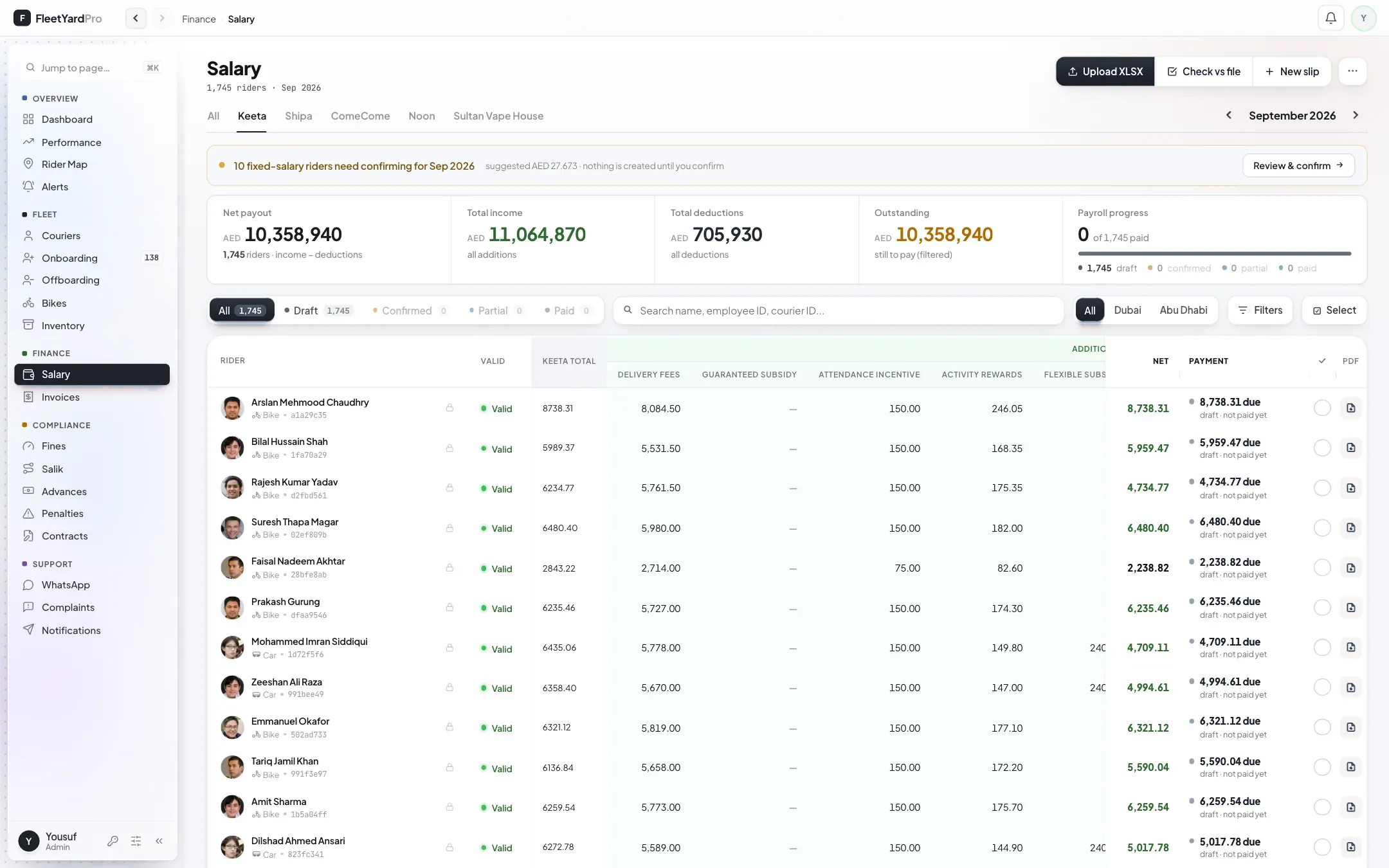
Upload the platform’s payout file and FleetYard Pro builds a slip for every rider on it. Salik, fines, advances and penalties come off in a fixed order, and each rider sees his slip on his phone.
From the platform’s payout file to the money in his hand.
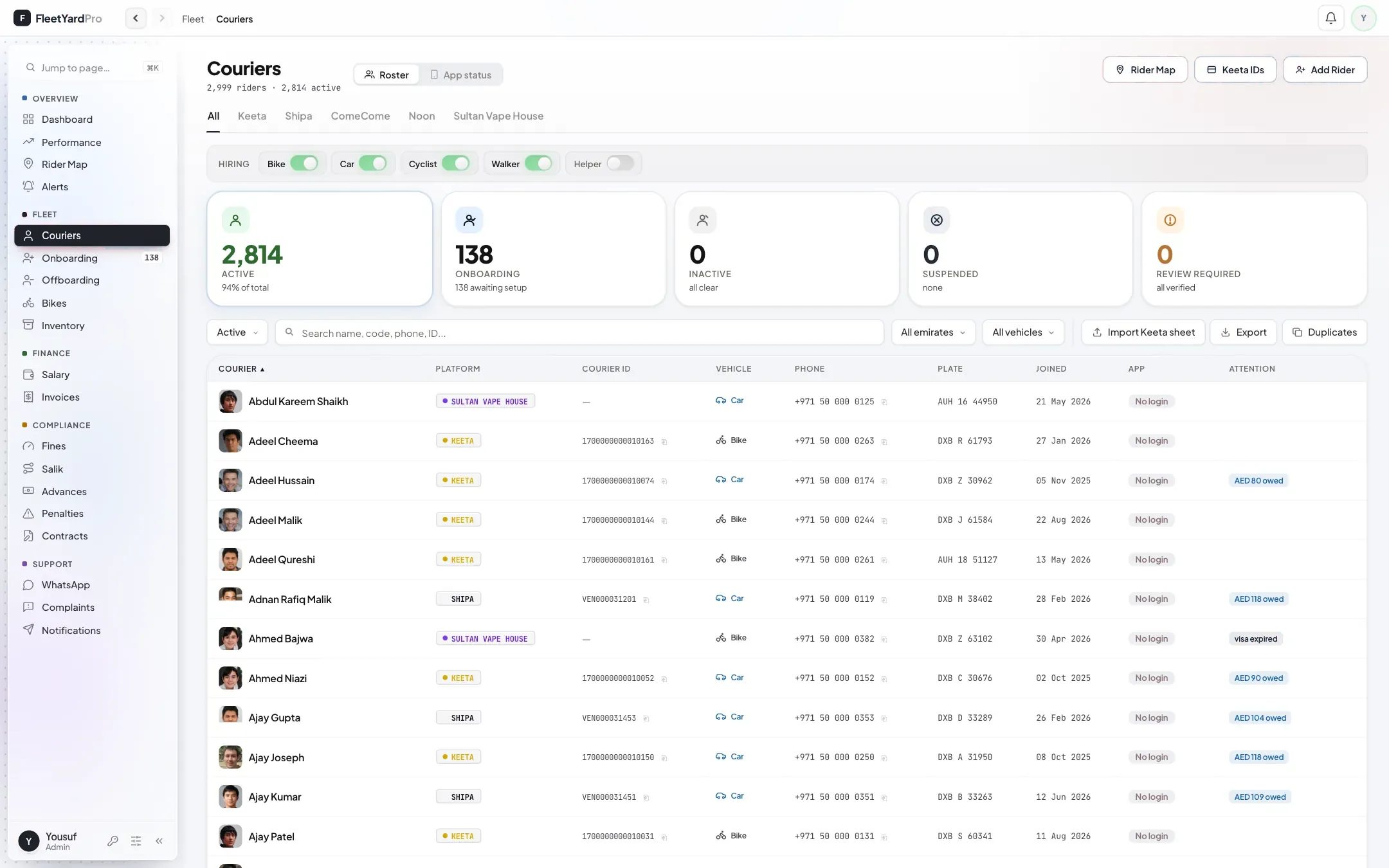
Drop in the file the platform sends you, as it is. Each row is matched to a rider by his platform ID. When an ID passed from one rider to another, each month’s pay goes to whoever held it that month.
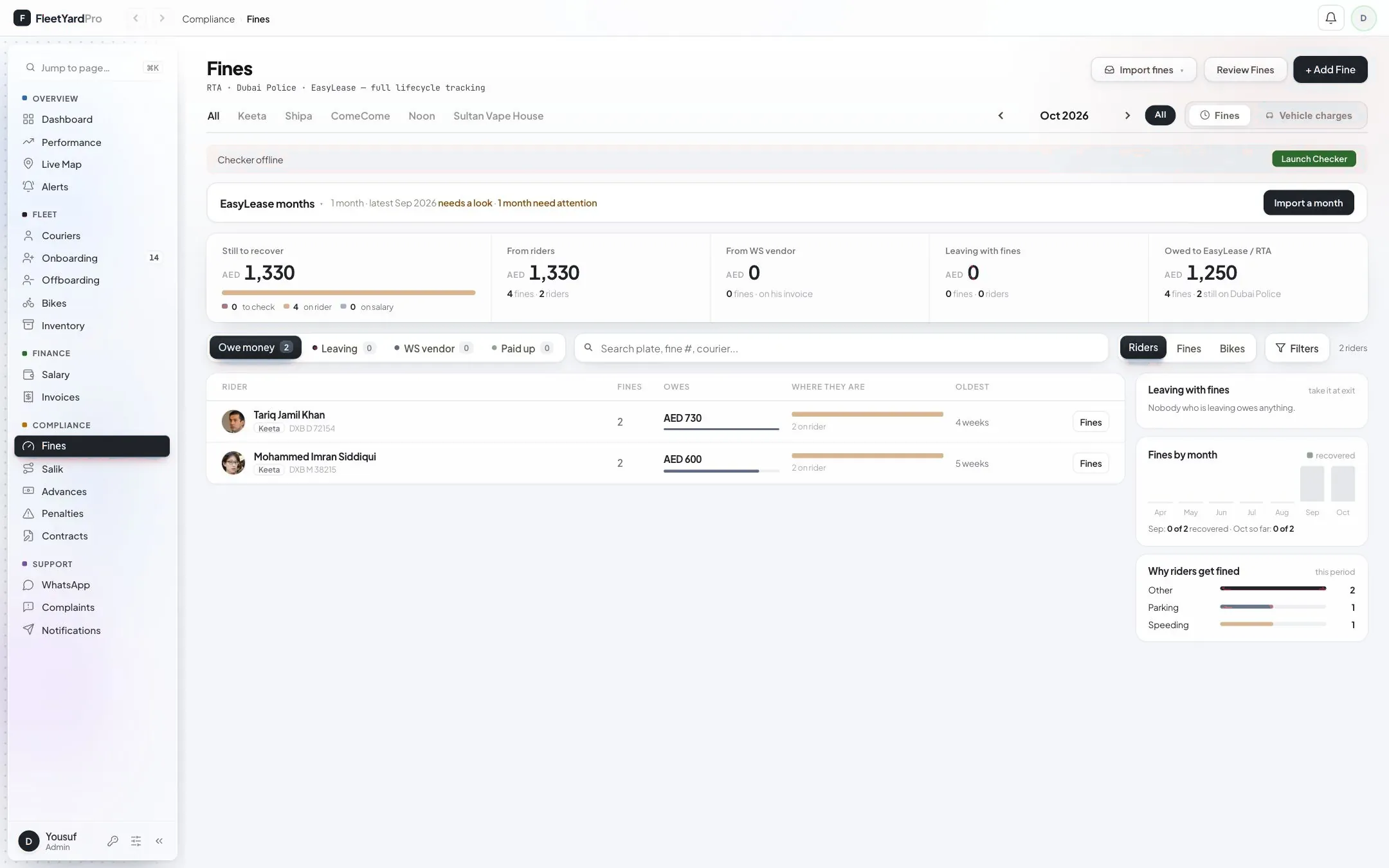
A ComeCome or Shipa build stops if any rider’s figure doesn’t match the platform’s sheet. For Keeta, one click checks every slip of the month against the file without changing anything.
Salik first, then fines, advances, khata and low-performance penalties, oldest first. Khata only comes off when your office ticks it, and no slip can be locked below zero.
Your office checks each draft slip, locks it and marks it paid. If you pay less than the slip, the difference goes onto his next slip as “Balance carried”.
His slip reads in the order the money moved: platform earnings, platform deductions, platform payout, company deductions, net pay. Under it, what he still owes after this slip.
Where most offices lose track of a rider’s pay, and what the portal does instead.
Each month’s pay goes to whoever held the ID that month, from the ID’s own history.
The last deduction is taken in part. The rest stays open on that fine, advance or toll for next month, never lumped into one debt.
It never comes off by itself. Your office ticks how much to take, up to what his pay can cover.
The difference goes onto his next slip as “Balance carried”, so he sees it and nobody forgets it.
The portal suggests their slips for the month. Nothing is created until you confirm them.
His platform ID is stopped first, his last slip runs through the same deductions, and only then is he cleared.
We set it up on your own riders. Keep paying from your sheets while you compare.