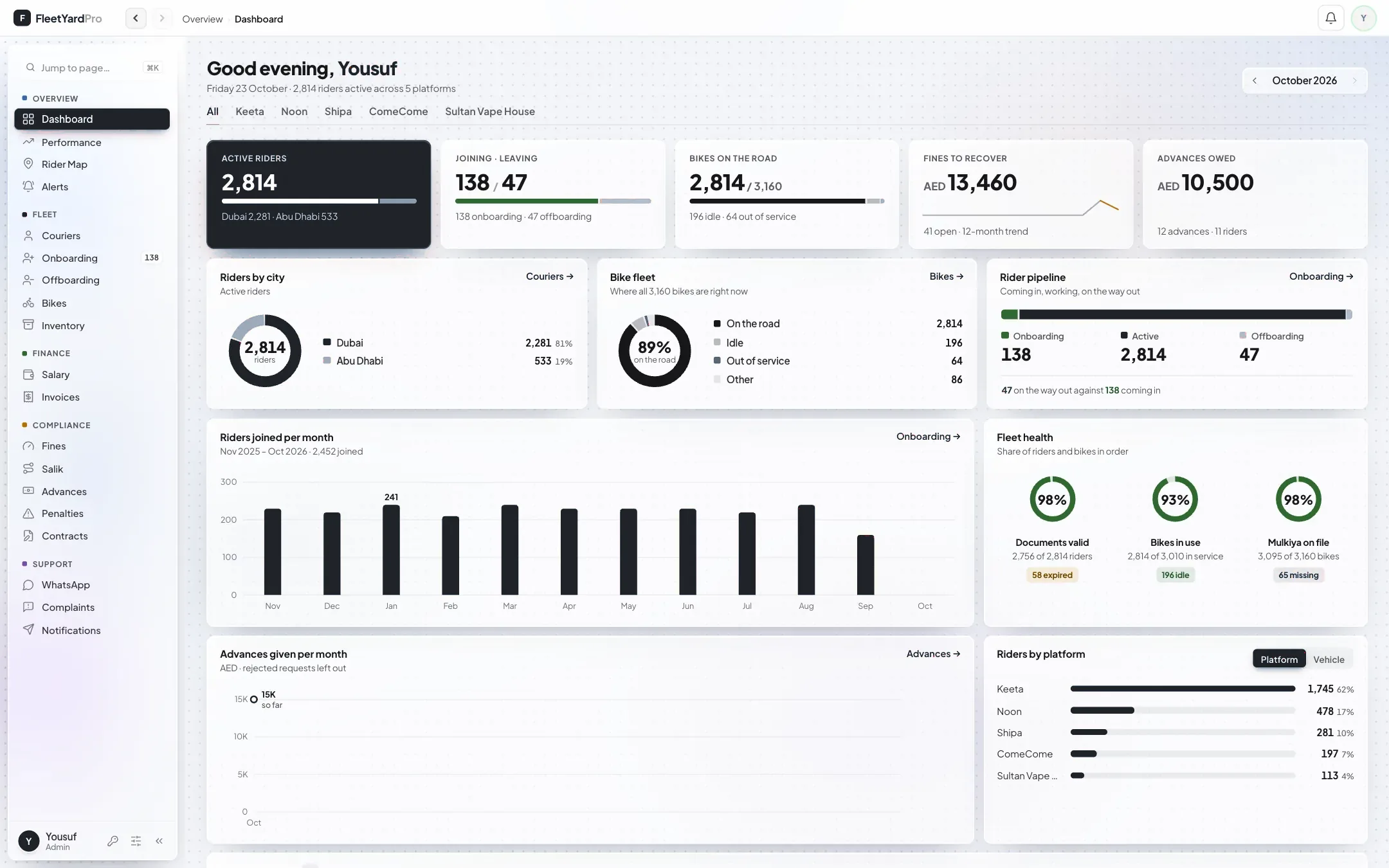
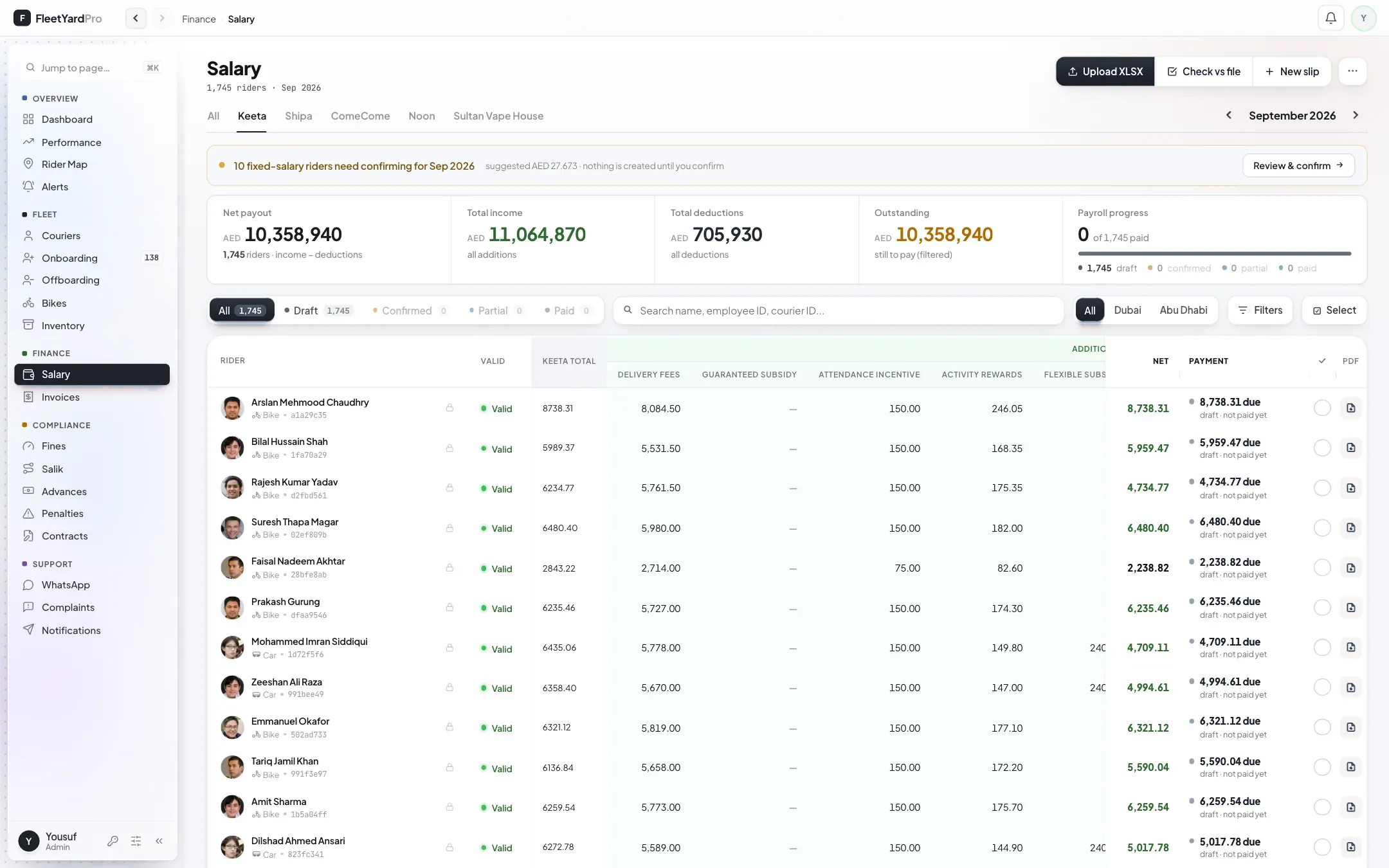
A supervisor needs riders, not salaries
Switch on Riders, Fines and Bikes and leave Salary off. He can’t open pay, even by typing the address.
Give supervisors riders and fines, and keep salaries with the office. Staff sign in with a one-time code, and you can see who is online and sign anyone out.
Who can open what, written in plain words.
Name, mobile or email, their role and the pages they start with. They sign in with a one-time code on WhatsApp or email.
Start from a template, then switch single pages. Before saving you see the change written out, and you can undo it.
Preview exactly what a person will see in their sidebar before you save.
A page that is off is blocked on the server too, not just hidden from the menu.
See who is online now, every sign-in and recent access changes, and sign a person out of every device.

Where office access usually leaks, and what the portal does instead.
Switch on Riders, Fines and Bikes and leave Salary off. He can’t open pay, even by typing the address.
Disable the account and sign them out of every device.
There are no passwords to share: each person signs in with their own one-time code.
Riders sign in to the rider app and only ever see their own pay, fines and papers.
Recent access changes and every sign-in are listed for each person.
“Needs a look” shows people who haven’t signed in within the last month.
Set up for you, with your office in it.